777up App – Free APK Download for Android
Get the 777up app on your Android phone in under three minutes. Slots, live casino, Aviator crash, sports betting – all optimised for mobile. Free download, no subscription fee.
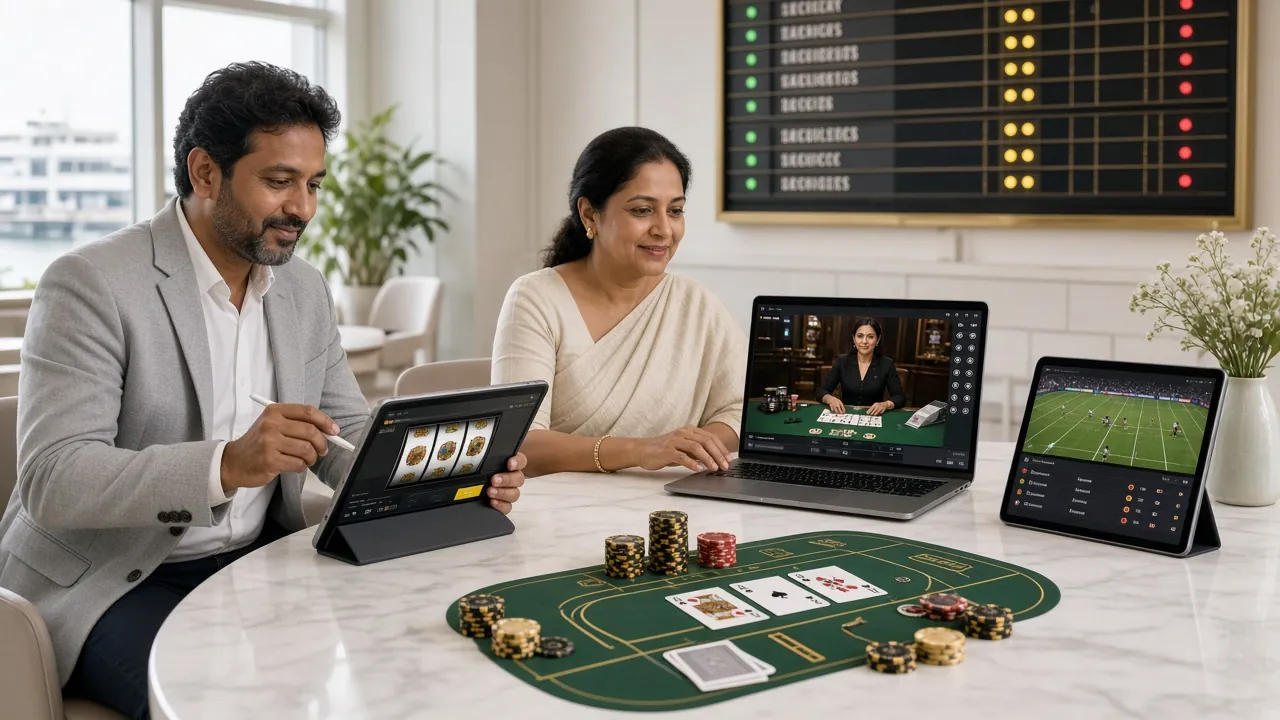
What You Get in the 777up App
Over 2,000 Casino Games
The 777up app carries the full lobby: slots from PG Soft and JILI, live baccarat from Sexy Gaming, fishing titles, lottery draws, and Aviator crash. Every game you see on the website is available on mobile. The interface scrolls smoothly and categories load without lag on mid-range Android phones.
Optimised for Bangladesh
The 777up app is built specifically for Bangladeshi players. The payment screen shows bKash, Nagad, Rocket, and Upay at the top – no scrolling needed. Minimum deposit is ৳300. All amounts display in BDT. Push notifications alert you when withdrawals process, which takes as little as 15 minutes.
Fast Deposits & Payouts
Top up via bKash or Nagad and your balance reflects within 2 minutes. Withdrawal requests process in as little as 15 minutes once your KYC is verified. You can request up to ৳100,000 per day. The app gives you real-time transaction status – no need to email support to check.
Live Casino & Sports
Watch live dealers in real time – baccarat, roulette, and dragon tiger stream at up to 60fps even on a 4G connection. Sports fans can follow cricket (IPL, BPL, T20), football, and kabaddi. The in-play section updates odds every few seconds. Place a bet directly from the live match view without switching screens.
Bonuses Available on Mobile
Every promotion available on the website works on the 777up app. New members get a 100% first deposit bonus up to ৳8,000 (15× wagering requirement). Daily cashback of 0.5% applies automatically. Reload bonuses of 20% and a ৳300 referral bonus are all claimable from the Promotions tab inside the app.
24/7 In-App Support
Tap the support icon for instant live chat, available every hour of the day. You can also email [email protected] from within the app. Common issues like failed deposits and locked accounts are typically resolved in under 10 minutes via live chat. The 777up app also has a searchable FAQ section built in.
Download the 777up APK
This APK is served directly from 777up's own servers. There is no third-party file host involved. You do not need a Google Play account to install it.
Version & System Information
| App Name | 777up Casino & Betting |
|---|---|
| Version | 2.7.10 |
| File Size | 45 MB |
| Minimum Android | Android 6.0 (Marshmallow) |
| Last Updated | 2 November 2026 |
| Price | Free |
| Languages | English, Bangla |
| Platform | Android (APK sideload) |
Check your phone's Android version under Settings → About Phone → Android Version. Any device on Android 6.0 or above will run the 777up app correctly. Most phones sold in Bangladesh since 2017 qualify.
How to Install the 777up APK on Android
Android does not allow installing apps from outside the Play Store by default. You need to enable one setting first. The whole process takes about three minutes.
-
1
Allow Installation from Unknown Sources
Open your phone's Settings → Privacy → Install Unknown Apps (on some phones it is under Security). Find your browser (Chrome or any browser you use to download) and toggle "Allow from this source" to ON. This permission only applies to the browser you selected – it does not open your phone to all third-party apps. You can switch it off again after installation.
-
2
Download the 777up APK File
Tap the "Download APK" button on this page using your phone's browser. The file is named 777up.apk and is 45 MB. A notification in your browser's download bar will confirm when it finishes. If prompted, tap "Keep" to confirm you want to save the file – this is a standard Android warning for APK files and does not indicate a problem with the 777up app.
-
3
Open the APK File
Pull down your notification shade and tap the completed download. Your file manager or a system prompt will open showing the 777up APK details. You will see the app name, version, and the list of permissions it requests (camera for KYC, storage for receipts, internet for gameplay). Tap "Install" to continue. The installation itself takes under 30 seconds.
-
4
Wait for "App Installed" Confirmation
Android will display "App installed" when the process completes. A 777up icon appears on your home screen and in your app drawer. If installation is blocked by Google Play Protect, tap "Install Anyway" – Play Protect flags any APK that didn't come from the Play Store regardless of whether it is safe. The 777up app is virus-free and signed with a valid certificate.
-
5
Log In or Register to Start Playing
Open the 777up app. Existing members: tap "Log In" and enter your username and password – see our login guide if you've forgotten your details. New players: tap "Register" to create a free account. The sign-up form takes about 90 seconds. Once logged in, fund your account with bKash or Nagad and your first deposit bonus activates automatically.
Using 777up on iPhone (iOS)
Apple does not allow APK files on iOS. However, you can add the 777up website to your iPhone home screen for a near-app experience. It opens full screen without browser controls.
- Open 777up.mobi in Safari (must be Safari, not Chrome).
- Tap the Share icon (the square with an arrow pointing up) at the bottom of the screen.
- Scroll down and tap "Add to Home Screen".
- Name it 777up and tap "Add".
- The icon appears on your home screen. Tap it to open 777up in full-screen mode.
All games, deposits via bKash/Nagad, and bonuses work identically through the Safari shortcut. A native iOS app may be released in a future update.
Why no iOS APK? Apple's App Store guidelines do not permit APK sideloading on iPhone or iPad. The 777up website is built as a Progressive Web App (PWA), so the Safari shortcut gives you offline access to recently visited game pages and sends push alerts for promotions on supported iOS versions (16.4+).
Need help? Email [email protected] or open live chat inside any browser.
Games Available in the 777up App
Full Casino LobbyAll 2,000+ titles from the full 777up casino are available on the Android app. Below are some of the most played games on mobile right now.

Aviator
PG Soft · RTP 97.3%

Crazy 777
PG Soft · RTP 95.1%
Dragon Hatch
PG Soft · RTP 97.3%
Fishing Disco
JILI · RTP 97.8%
Explore the complete list at the 777up Casino page. New releases from Playtech, Habanero, and Spribe are added every month.
777up App vs Website
Both the app and the browser version use the same account and wallet. The table below shows where each option has an advantage.
| Feature | 777up App | Website (Browser) |
|---|---|---|
| All 2,000+ casino games | Yes | Yes |
| Push notifications for bonuses | Yes (native) | No |
| Load speed on 4G | Faster (cached assets) | Slightly slower |
| bKash / Nagad deposit | Yes | Yes |
| Biometric login (fingerprint) | Supported | Not available |
| Withdrawal tracking in real time | Live status bar | Manual refresh needed |
| Requires Play Store | No (direct APK) | No |
| Works on iOS | Android only | Yes (Safari) |
| Offline access to recent games | Limited offline mode | Requires connection |
| Home screen icon | Auto (native install) | Manual bookmark |
| Bonus & VIP access | Full access | Full access |
| 24/7 Live Chat support | In-app widget | Yes |
Security & App Permissions
The 777up app requests only the permissions it genuinely needs. Below is what the app accesses and why.
SSL Encryption on All Traffic
Every connection between the 777up app and our servers uses TLS 1.3 encryption. Your login credentials, payment details, and personal data travel through an encrypted tunnel. The certificate is renewed automatically and can be verified by tapping the lock icon in your browser when visiting 777up.mobi. The APK itself is signed with 777up's developer certificate.
Camera Permission (KYC Only)
The 777up app requests camera access solely to let you photograph your National ID Card or Passport for KYC verification. The camera is never accessed during gameplay. KYC documents are required before your first withdrawal. You can also upload existing photos from your gallery instead of taking a live photo – the app will ask which option you prefer when you start the verification flow.
Storage Permission (Transaction Receipts)
Storage access allows the 777up app to save bKash and Nagad deposit receipts to your Downloads folder so you have a record if a dispute arises. The app does not read your photos, contacts, or other files. On Android 13 and above, this permission is scoped: the app can only read files it created itself, not your existing photo library.
Notification Permission (Opt-In)
The 777up app asks once whether you want to receive push notifications. These cover deposit confirmations, withdrawal status updates, and daily bonus reminders. If you decline, the app works normally – you simply won't receive push alerts. You can enable or disable notifications any time in your phone's Settings → Apps → 777up → Notifications.
Common Install Problems & Solutions
If the installation doesn't go smoothly, check the table below. Most issues resolve in under two minutes.
| Problem | Likely Cause | How to Fix |
|---|---|---|
| "Install Blocked" message | Unknown Sources not enabled for your browser | Go to Settings → Privacy → Install Unknown Apps, find your browser, and toggle "Allow" to ON. Then try opening the APK again. |
| Download fails or stops midway | Weak mobile data connection or low storage | Switch to Wi-Fi if possible, or clear at least 100 MB of phone storage. Delete old apps or photos. Then tap the download link again – the browser will resume from where it stopped. |
| "Package seems corrupt" error | Download was incomplete or file was modified | Delete the partial 777up.apk from your Downloads folder. Redownload the APK directly from this page. Do not use any mirror or third-party link – use only the button on this page. |
| App installs but crashes on open | Android version below 6.0 or insufficient RAM | Check your Android version under Settings → About Phone. The 777up app requires Android 6.0+. If your version is older, use the website via Chrome browser instead. |
| Installed but won't update | Old APK signed with a different certificate | Uninstall the existing 777up app first (your account data is stored server-side, so nothing is lost). Download version 2.7.10 from this page and install fresh. Log back in with your username and password. |
Still stuck? Open live chat in your browser or email [email protected]. Support is available 24/7.
Frequently Asked Questions
Is the 777up APK safe to install?
Does installing the APK affect my phone's warranty or void any settings?
How do I update the 777up app to the latest version?
Can I use the same account on the app and the website?
What happens to my balance if I uninstall the app?
Is there an iPhone (iOS) version of the 777up app?
Can I deposit and withdraw using bKash directly inside the app?
18+ · Play Responsibly · Entertainment only · Not financial advice